
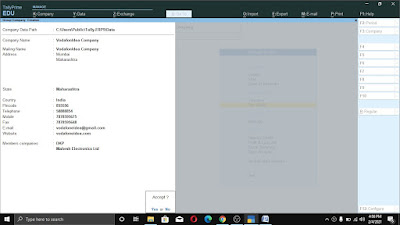
How to Create Group Company in Tally Prime
Step1:- Gateway of Tally > Alt+K > Create > Alt+R*After Follow above Step Screen will open like this, Fill all option in group company creation screen Like Name of group Company, Mailing Name, Select Members Companies for Group Company etc. As Following :


 Hello, my name is Amit Gupta. I'm a 28 year old passionate about computer Youtube & Blogger.
कोई टिप्पणी नहीं:
एक टिप्पणी भेजें